Publish your passions, your way
Create a unique and beautiful blog easily.
Create your blog















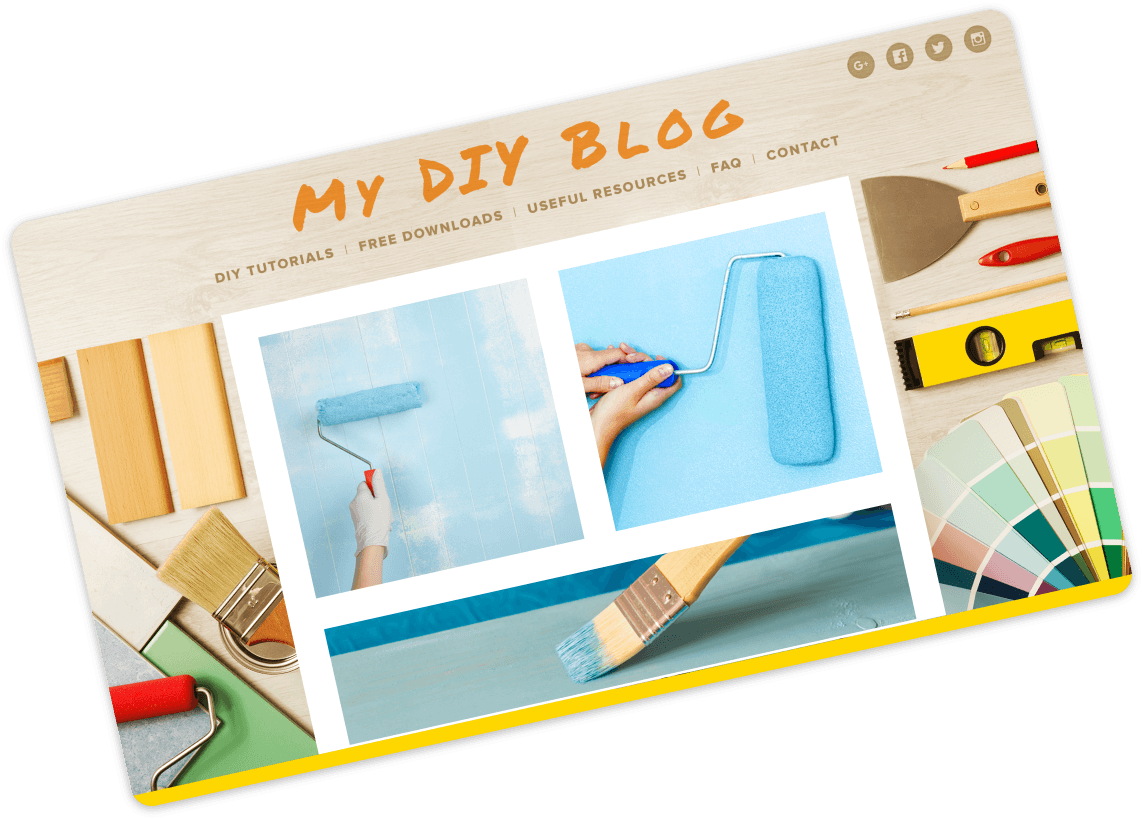
Choose the perfect design
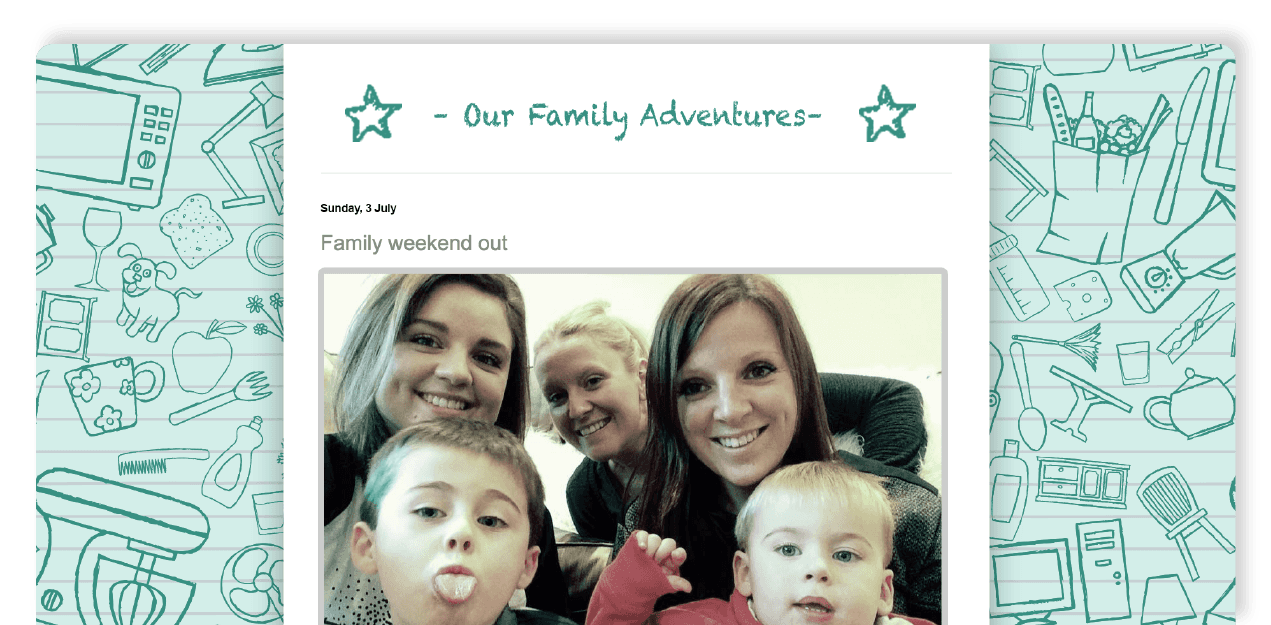
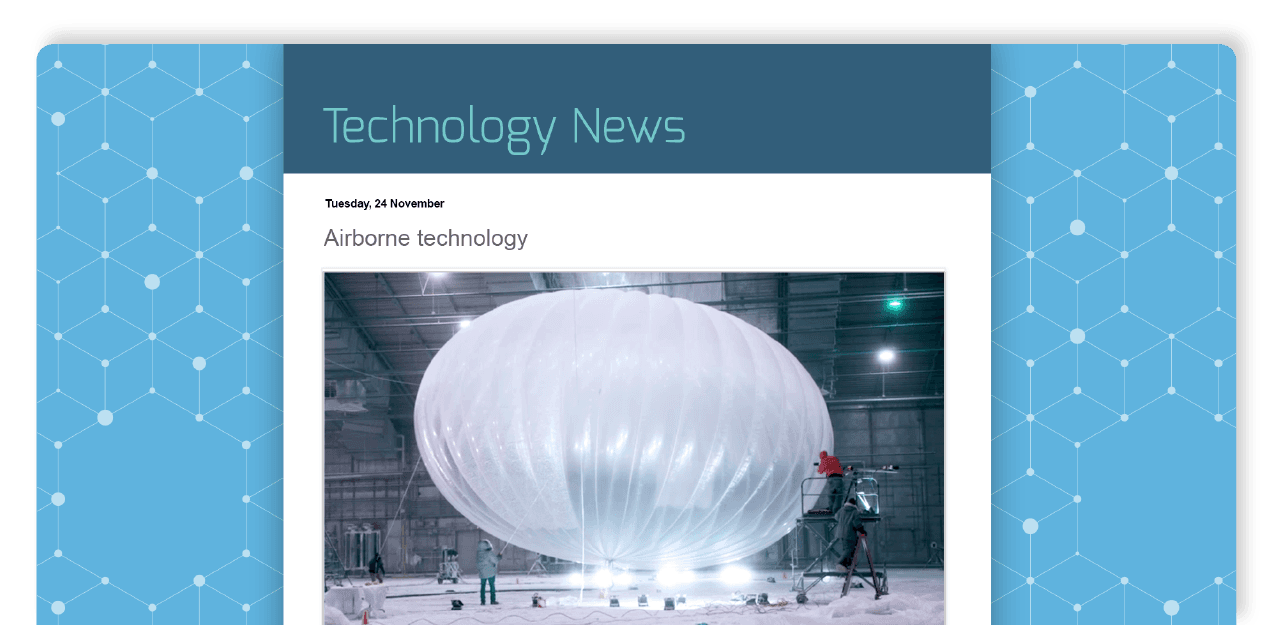
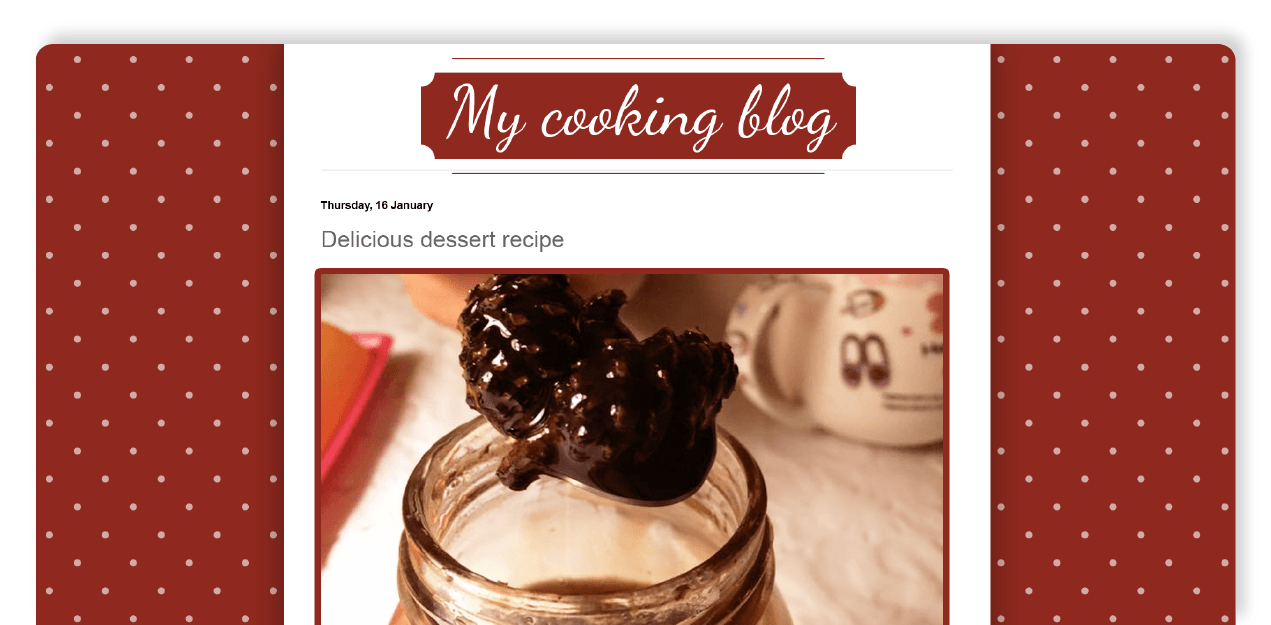
Create a beautiful blog that fits your style. Choose from a selection of easy-to-use templates – all with flexible layouts and hundreds of background images – or design something new.

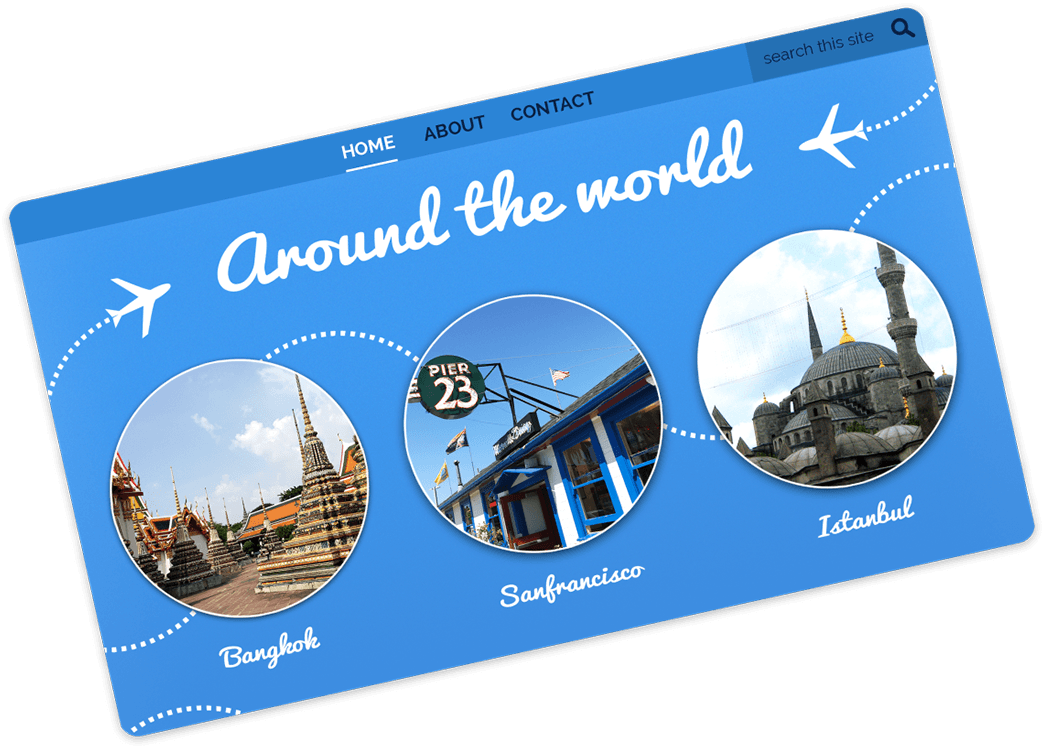
Get a domain
Give your blog the perfect home. Get a blogspot.com domain or buy a custom domain with just a few clicks.




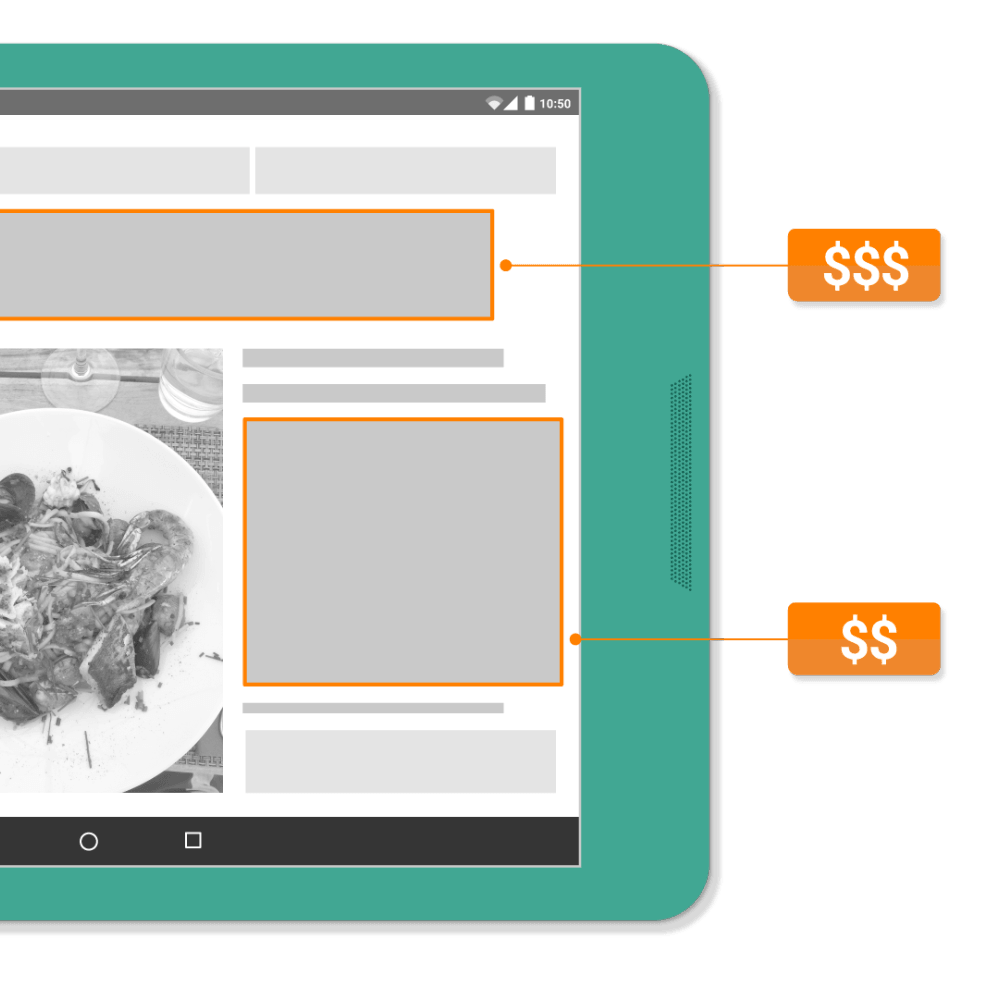
Earn money
Get paid for your hard work. Google AdSense can automatically display relevant targeted ads on your blog so that you can earn income by posting about your passion.


Know your audience
Find out which posts are a hit with Blogger’s built-in analytics. You’ll see where your audience is coming from and what they’re interested in. You can even connect your blog directly to Google Analytics for a more detailed look.

Hang onto your memories
Save the moments that matter. Blogger lets you safely store thousands of posts, photos, and more with Google.



Join millions of others
Whether sharing your expertise, breaking news, or whatever’s on your mind, you’re in good company on Blogger. Sign up to discover why millions of people have published their passions here.
Create your blog